
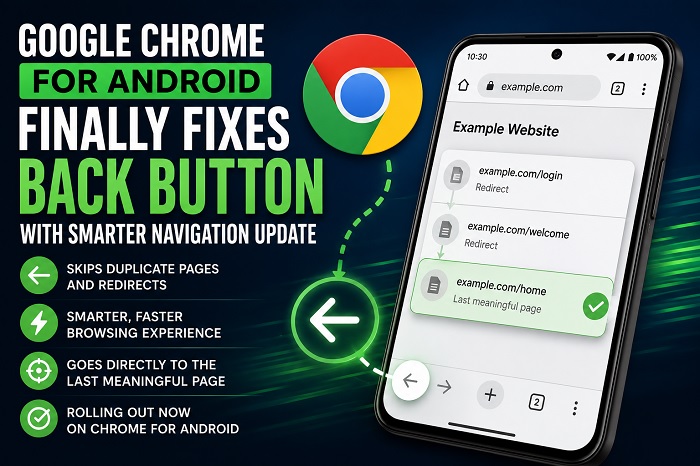
Google Chrome for Android is rolling out an improved back button behavior that intelligently skips duplicate pages and redirects, making web browsing faster and more seamless.
Mountain View: Google is introducing a long-awaited improvement to Chrome for Android, making the browser’s back button smarter and more reliable. The latest update aims to eliminate one of the most frustrating browsing issues by skipping unnecessary pages created through redirects and duplicate navigation.
The enhanced back navigation system ensures users are taken directly to the last meaningful webpage instead of repeatedly landing on intermediate redirect pages. This change is designed to make web browsing smoother, especially on websites that generate multiple navigation entries during login processes, redirects, or promotional pages.
Smarter Back Button Experience
Previously, Android users often had to tap the back button several times before returning to the page they actually wanted. This happened because some websites inserted multiple entries into the browser’s history using redirects or JavaScript-based navigation.
With the latest Chrome update, the browser can now intelligently recognize these duplicate history entries and skip them, taking users directly to the previous useful page.
Better Browsing Performance
The new navigation behavior improves the overall browsing experience by:
- Reducing unnecessary back-button taps.
- Skipping duplicate or redirect-generated history entries.
- Making website navigation faster and more intuitive.
- Improving usability across websites that rely heavily on redirects.
The feature is particularly useful for users who frequently browse shopping websites, news portals, and login-protected services where redirects are common.
Gradual Rollout Begins
Google has started rolling out the improved back navigation feature for Chrome on Android. As with many Chrome updates, availability may expand gradually, so some users may receive the feature before others.
The update reflects Google’s continued efforts to enhance Chrome’s usability by addressing long-standing user frustrations without changing the familiar browsing interface.
About the Author